How To Design Your Stickers To Help The Visually Impaired
What happens when your product label sticker is not accessible to the visually impaired? You may be unwittingly pushing away a potential customer and alienating a larger proportion of your audience than you realise.
Designing stickers to help the visually impaired doesn’t have to be difficult and could boost your brand image, all while making your products more accessible.
In this blog, we reveal three quick and easy design tips that you can use to help the visually impaired.
Consider Colours
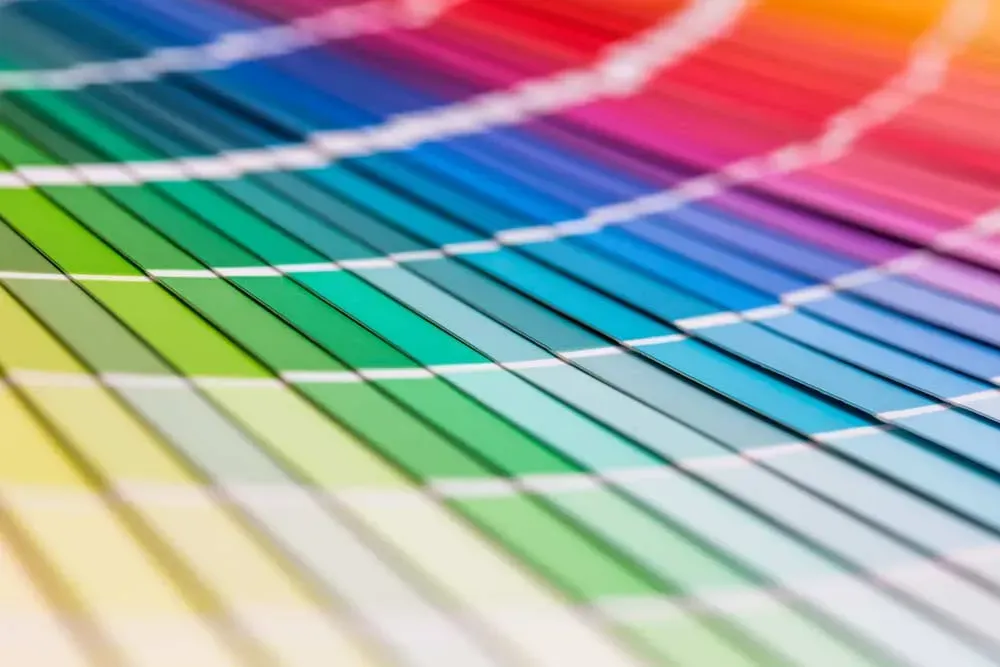
The Vision Eye Institute estimates that around 8% of males and 0.4% of females suffer from a form of colour blindness in Australia, affecting more people than we perhaps realise. To ensure that colour-blind people can easily read your labels, you could use a black border around the most important information which outlines the text regardless of the colour. This helps to make the text clearer for any form of visual impairment.
Or, use a
colour blind simulator tool which allows you to upload an image and simulate how different forms of colour blindness would see the image. Use this to check if your label is readable under the different filters and make changes accordingly.
In general, having more contrast between the text and the background colours makes labels more accessible. Light text on a dark background has been particularly noted for being accessible to the visually impaired.
Use Accessible Fonts
Using a clear, simple font can go a long way in helping those with impaired sight to read your sticker. Fancy, overcomplicated designs can be confusing, whereas something simple guarantees that everyone can read them without compromising on look.
For example, you could choose Tiresias or Infofont which have both been specifically designed to be readable for visually impaired people. However, any sans serif typeface (such as Arial or Calibri) is a safe option.
If you have the space, try to ensure that your text is large and bold and allows for adequate spacing between letters and lines of text. Try to limit the use of italics and all caps as these can be difficult to read.
Use QR Codes
Using technology, the blind or visually impaired are able to easily access labels through a variety of methods. You could incorporate this on your stickers by including a QR code which, when scanned on a device, opens a site that reads the information aloud on an audio file or shows the information in large print.
Here at Aldine Printers, we can help you to design and print stickers that help the visually impaired and displays your product in the best possible light.
Get in contact today on 07 4051 4330 to find out more.